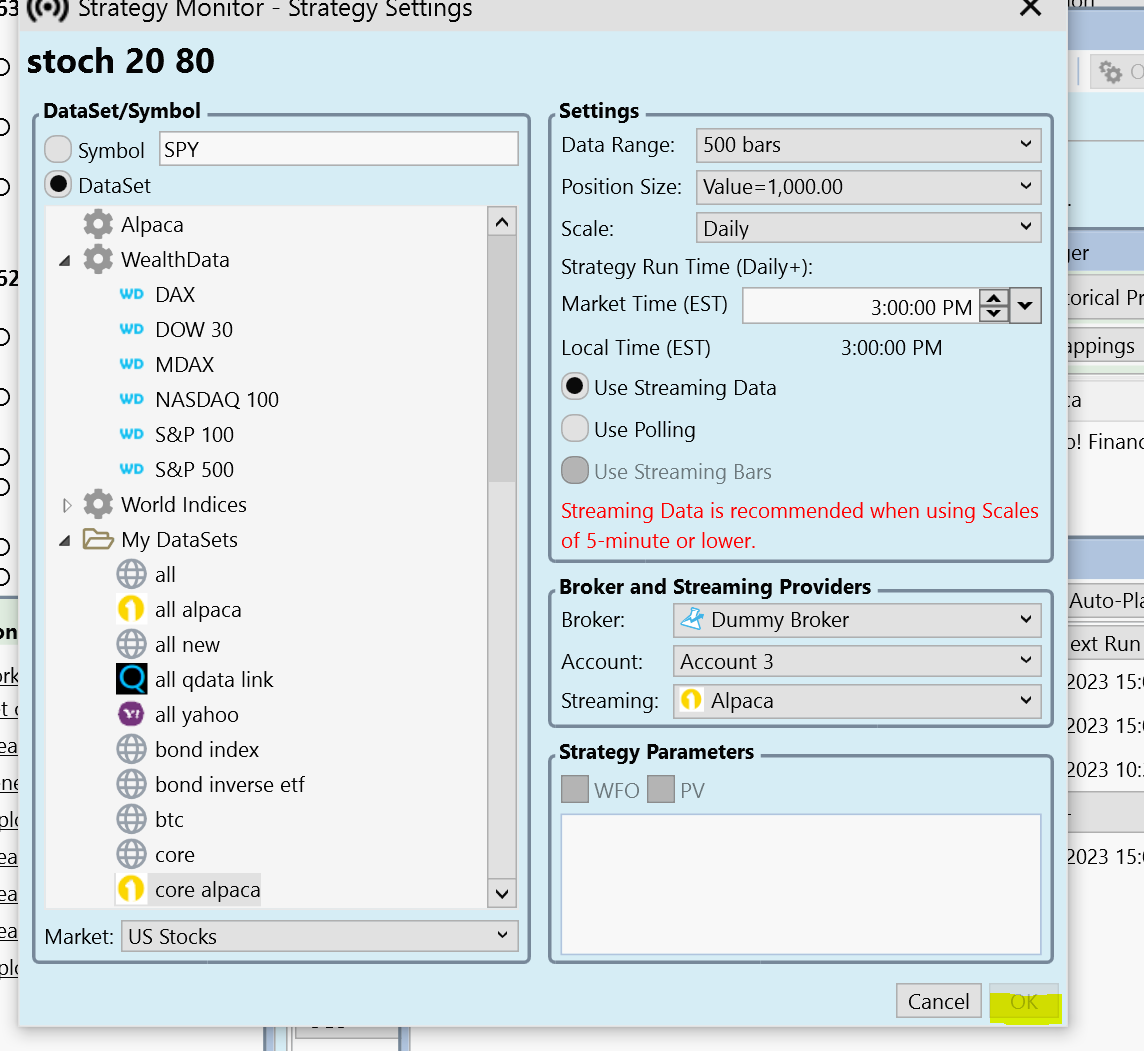
the ok button is grayed out for alpaca
That's because WL8 is not CONNECTED to Alpaca. The OK button will only be enabled if Alpaca is connected.
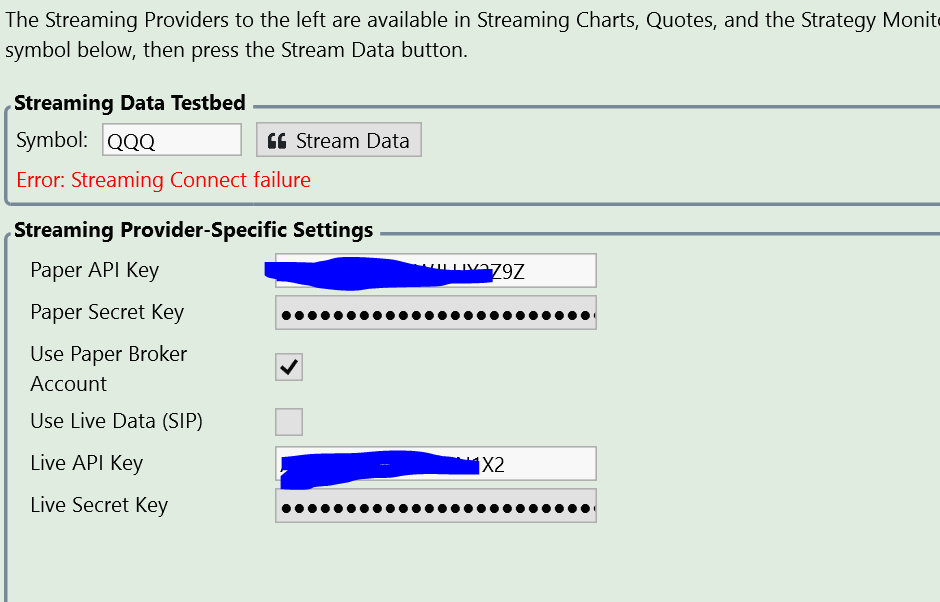
I can get historic data using alpaca, but streaming failed
I don't know really what to tell you besides try making a new Alpaca paper key. It's connecting at my end ...
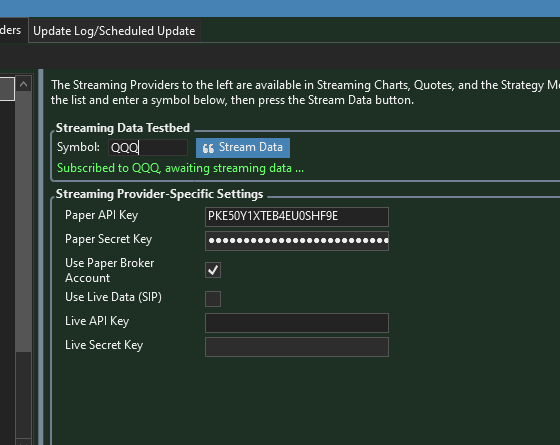

See this was the best place to ask this question again.
I got the "another connection might exist" issue. Btw I installed the Alplaca MCP server for Claude and added my PAPER keys on the 8th of May.
I uninstalled the MCP server, deleted my PAPER keys and made new API keys for a live account, but still no luck.

Looks like my Alpaca account is connected (greyed out).
Tried a full PC restart. Still no joy. Cant seem to get historical data since that night.
PS: I installed the MCP server on another machine.

Should i uninstall and reinstall WL8?
I don't think uninstalling and reinstalling WL8 will help.
It looks like something else is connected to your Alpaca, we don't generate this message we're just the messenger in this case showing you what Alpaca is telling us.
It looks like something else is connected to your Alpaca, we don't generate this message we're just the messenger in this case showing you what Alpaca is telling us.
Thanks Glitch, however still experiencing problems getting Alpaca to stream after generating new API keys.
Isnt that the solution?
Isnt that the solution?
Is it the same problem? Alpaca is reporting that something else is connected?
Only one connection instance with the Alpaca API is allowed. Is it possible that you're running more than one API connection - with WealthLab or any other client?
I did try the Claude MCP that Alpaca developed but on another machine and then removed that connection.
Asked Alpaca if I can create a second account, but they dont allow that either.
Starting to run out of ideas hehe.
Asked Alpaca if I can create a second account, but they dont allow that either.
Starting to run out of ideas hehe.
The message is that an existing connection still exists. If you don't think you have a client connected, get Alpaca to break whatever connection still exists. This is the problem.
It seems somehow Claude/Alpaca is still holding that connection.

The response from Alpaca.
But good suggestion from Cone, Il ask if they can break the connection.
Good point also from Glitch, but I removed the Alpaca connector from the JSON file in Claude.
Wondering if I should just create a new Wealthlab account. Alpaca only allows 1 account per person.
We don't limit the number of WealthLab connections to Alpaca, but we've observed that if you connect more than once, it's a problem - multiple instances won't get all the messages from Alpaca.
Here's the connect request and where the error is thrown due to the "Unauthorized" response. It's very clear that "not authorized" is coming from Alpaca.
Here's the connect request and where the error is thrown due to the "Unauthorized" response. It's very clear that "not authorized" is coming from Alpaca.
CODE:
                AuthStatus status = _dataStreamingClient.ConnectAndAuthenticateAsync().Result;
                if (status != AuthStatus.Authorized)
                    throw new RequestValidationException("Unauthorized status returned for data streaming client. Another connection may exist.");
Your Response
Post
Edit Post
Login is required