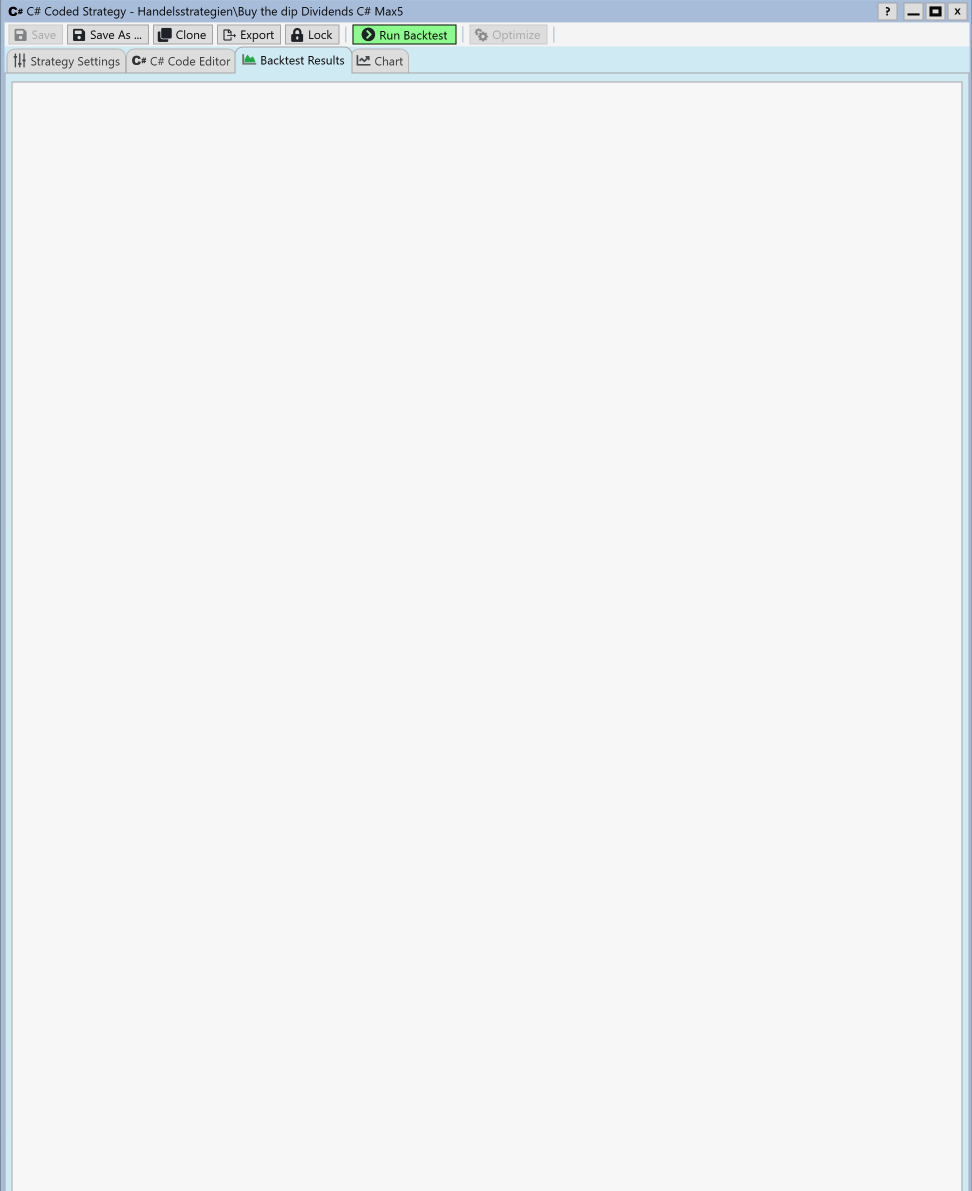
The will happen by design if you don't have any Performance Visualizers checked:
1. Preferences (F1) > Backtest > Performance Visualizers
2. Check desired.
3. Save the Workspace (or Default Workspace)
The new selections will take effect when you open the Strategy in a new Window.
1. Preferences (F1) > Backtest > Performance Visualizers
2. Check desired.
3. Save the Workspace (or Default Workspace)
The new selections will take effect when you open the Strategy in a new Window.
Are there any errors reported in the WL9 log file?
Your Response
Post
Edit Post
Login is required