
TAI-PAN (Lenz + Partner)
The TAI-PAN extension for WealthLab provides access to high-quality historical daily and intraday market data from Lenz + Partner AG, a long-standing European market data vendor. Unlike most WealthLab data providers, TAI-PAN uses its own login and session management inside WealthLab, which is required to access your subscribed markets and symbol universe.
Important:
A paid TAI-PAN account with Lenz + Partner is required for this extension to function. WealthLab does not bundle or resell TAI-PAN data.
Key Features
- Historical daily and intraday price data
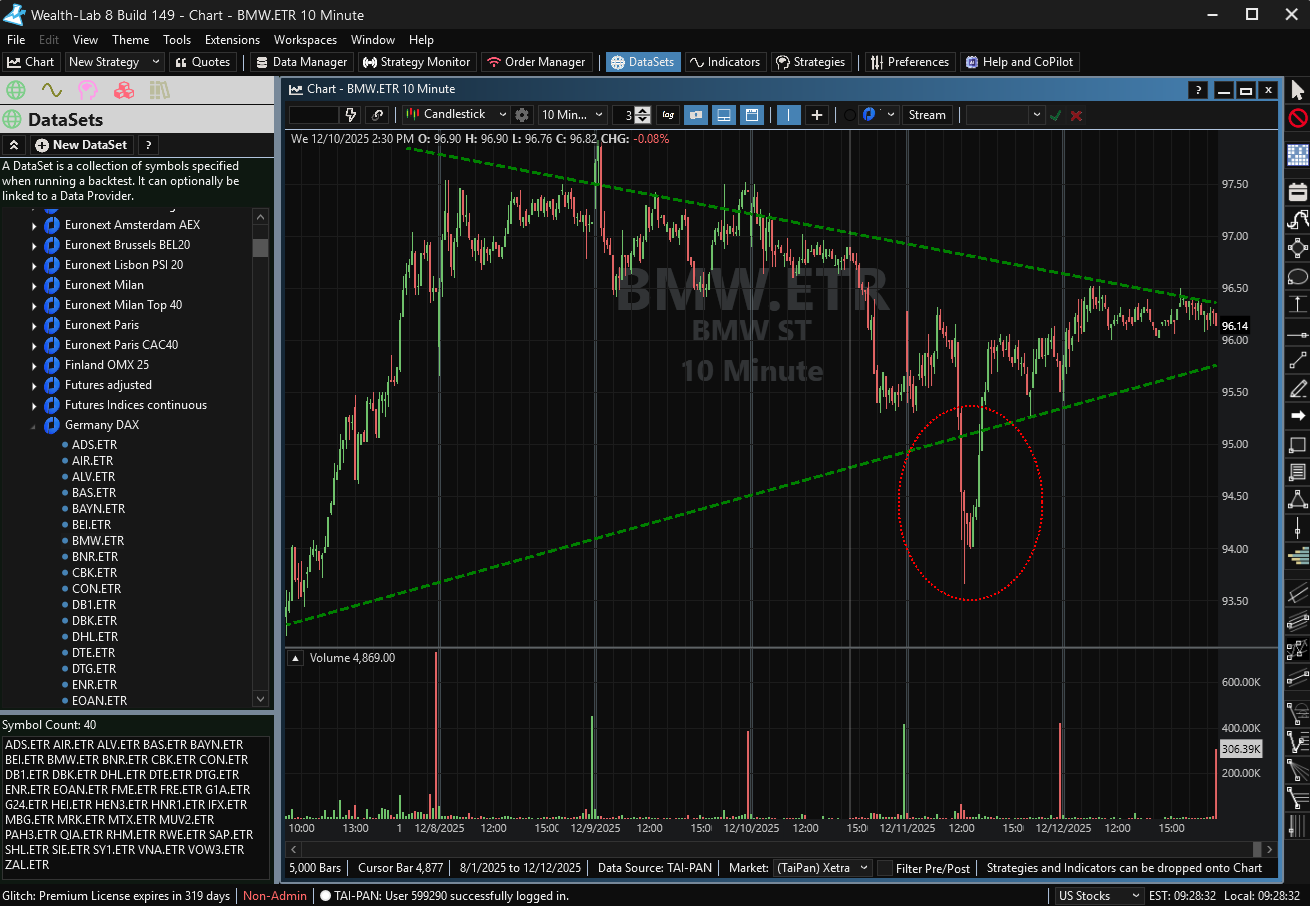
- Coverage of many European and U.S. markets
- Reliable data quality suitable for backtesting and research
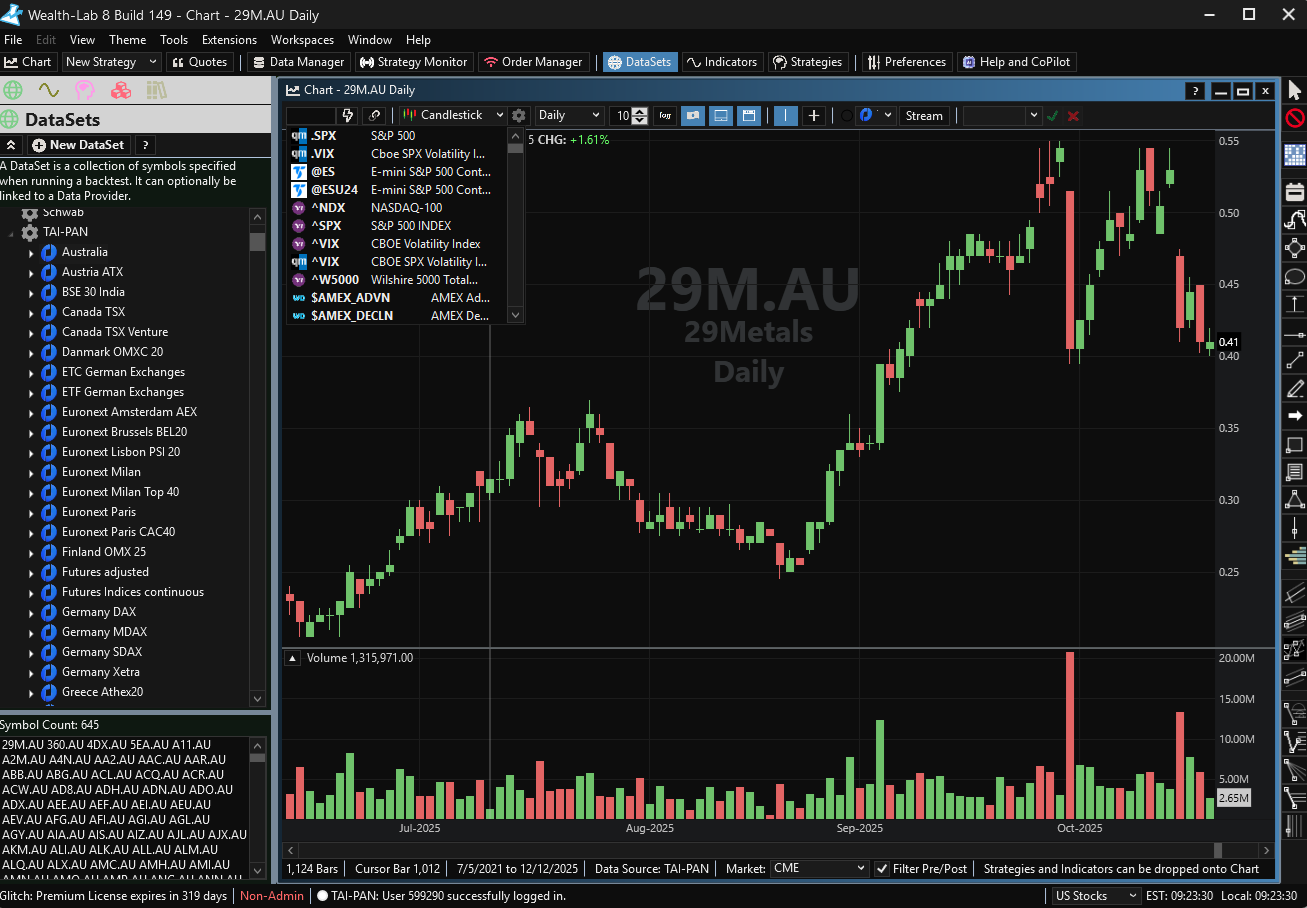
- Multiple pre-configured DataSets included with the extension
- Integrated symbol management based on your TAI-PAN subscription
Market Coverage
TAI-PAN provides broad coverage across European exchanges as well as U.S. equities and indices, depending on your TAI-PAN subscription level. Coverage may include (but is not limited to):
- Major European exchanges (e.g., Germany, France, UK, Switzerland, Austria)
- U.S. stocks and indices
- ETFs and selected international instruments
Because market availability depends on your TAI-PAN account entitlements, please consult the Lenz + Partner / TAI-PAN website for the complete and current list of supported exchanges and instruments.
Symbology
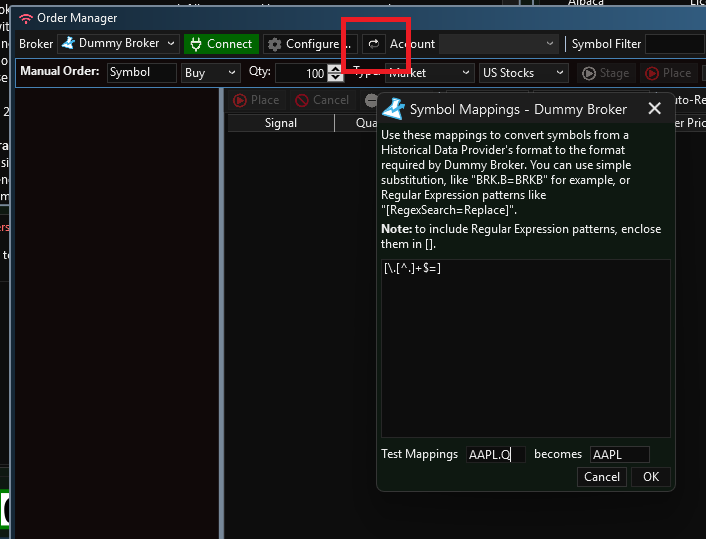
TAI-PAN appends a security's market to the end of the symbol, for example AAAP.Q (the Q represents Nasdaq) and IBM.N (the N represent NYSE.) If you want to place orders to a US broker based on signals generated from these symbols, you'll need to use WealthLab's Broker Symbol Mapping in the Order Manager to remove the suffix. Use the following REGEX expression in Symbol Mapping to remove the suffix:
[\.[^.]+$=]
Installation & Login
After installing the TAI-PAN extension, one additional setup step is required before data can be accessed.
Logging In
- Open WealthLab
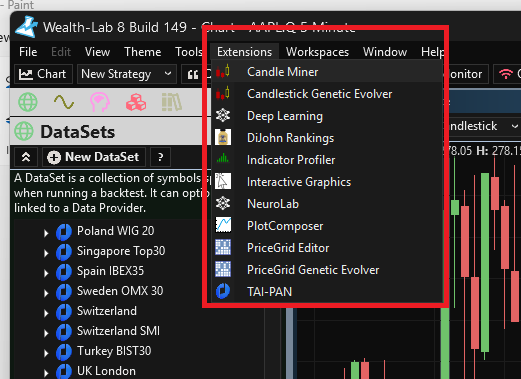
- Select Extensions ? TAI-PAN from the main menu
- Enter your TAI-PAN (Lenz + Partner) account credentials
- Confirm the login
Once logged in, WealthLab establishes a session with the TAI-PAN service and enables access to your subscribed data.
Note:
This login process is separate from WealthLab’s standard Data Manager settings and must be completed before using TAI-PAN data.
Requirements & Notes
- A paid TAI-PAN account with Lenz + Partner is required
- Internet connectivity is required to access data
- Available markets depend on your TAI-PAN subscription level
- Logging in through the Extensions menu is required each session if not already authenticated
Support
For issues related to:
Data availability, symbols, or subscriptions:
Please contact Lenz + Partner / TAI-PAN supportWealthLab integration or extension behavior:
Contact WealthLab support or visit the WealthLab user forum
Screenshots
Change Log
- Initial release for WL9.
- Extension was incorrectly set as "paid" when it is "free".
- Initial release.